Phase IV – Prototype & Testing
This phase details the implementation, demonstration, and evaluation of the Sillah (صلة) Family Health Management System prototype. It validates how the design and requirements from previous phases were successfully transformed into a working Java application following software engineering best practices.
4.1 Prototype Overview
The Sillah system prototype was developed using Java (JDK 17) and demonstrates the use of Object-Oriented Programming (OOP) principles including encapsulation, inheritance, and modularity. It allows users to register, add family members, book appointments, receive health alerts, and view awareness content — all within a Command-Line Interface (CLI) environment.
Development Environment: Visual Studio Code / IntelliJ IDEA
Programming Language: Java 17
Paradigm: Object-Oriented Programming
Testing Types: Unit Testing and Integration Testing
This prototype represents a complete, testable version of the system design presented in Phase III and serves as the foundation for future GUI or web expansion.
4.2 Implemented Modules
| Module | Description |
|---|---|
| Main.java | Acts as the program entry point and manages the main menu navigation. |
| User.java | Handles user registration, login, and authentication. |
| FamilyMember.java | Stores and manages individual family members’ information. |
| Appointment.java | Manages booking, modification, and cancellation of appointments. |
| Clinic.java | Stores clinic data, working hours, and appointment slots. |
| HealthEvent.java | Records checkups and medical events such as ECG results. |
| BookingSystem.java | Connects user, clinic, and appointment modules for booking coordination. |
| AlertSystem.java | Automatically generates reminders and alerts for upcoming events. |
| AwarenessHub.java | Provides verified educational health content to users. |
| Message.java | Supports communication between users and clinics. |
Each class was independently implemented, compiled, and verified to ensure that all functional requirements were met.
4.3 Console Interaction Example
The prototype uses a menu-driven console interface where users interact with the system by selecting options.
--- Sillah (صلة) Family Health Management System ---

1) Register / Login
2) Add Family Member
3) Book Appointment
4) View Awareness Hub
5) Check Alerts
0) Exit
Select option: 3

Enter Family Member ID: FM01
Select Clinic: Al-Noor Cardiology Center
Enter Date (YYYY-MM-DD): 2025-11-10
Enter Time (HH:MM): 10:30
Appointment booked successfully!

Reminder set for: 2025-11-09 at 10:30 AM
4.3.1 Awareness Hub Example
--- Awareness Hub ---

1) Understanding Heart Disease
2) Importance of Regular Checkups
3) Early Warning Signs of Cardiac Risk
4) Family Genetics and Prevention

Select an article to read: 2

> Regular checkups help in early detection of hereditary risks
  and ensure timely medical intervention.
4.3.2 Alert Example
--- Alerts ---

Upcoming Appointment: Family Member (FM01)
Clinic: Al-Noor Cardiology Center
Date: 2025-11-10
Reminder: Tomorrow at 10:30 AM
4.4 System Screenshots
This section visually demonstrates the Sillah (صلة) Family Health Management System prototype in action.
Each figure corresponds to a major function captured during the execution phase, illustrating the system’s flow, user interactions, and educational features.
| Figure | Description | File Name | Notes |
|---|---|---|---|
| Figure 4.1 | Main Menu Interface displaying all primary options available to the user. | main-menu.png |
Displayed at system startup; allows access to all modules. |
| Figure 4.2 | Appointment Booking Interface showing input prompts and booking confirmation. | booking-interface.png |
Demonstrates data entry for family member, clinic, and appointment details. |
| Figure 4.3 | Alert Output displaying a generated reminder message for an upcoming appointment. | alert-output.png |
Automatically triggered post-booking to simulate real-time reminders. |
| Figure 4.4 | Awareness Hub Display presenting selectable health topics and educational checklists. | awareness-hub.png |
Encourages user awareness and preventive actions. |
| Figure 4.5 | Future GUI Mockup showcasing a proposed visual interface upgrade. | future-gui.png |
Illustrates next-phase enhancement from CLI to GUI. |
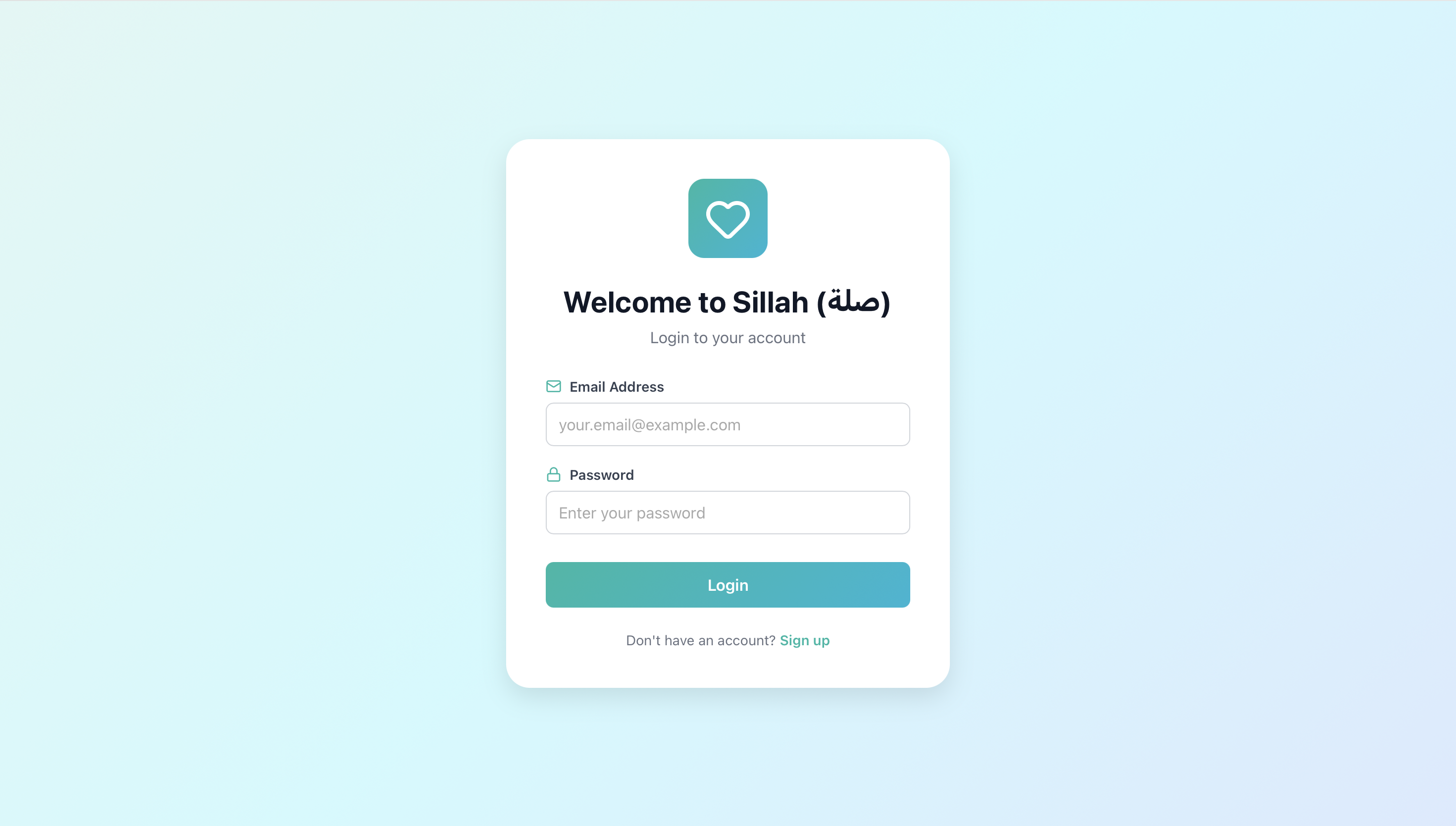 Figure 4.16: User Login Interface
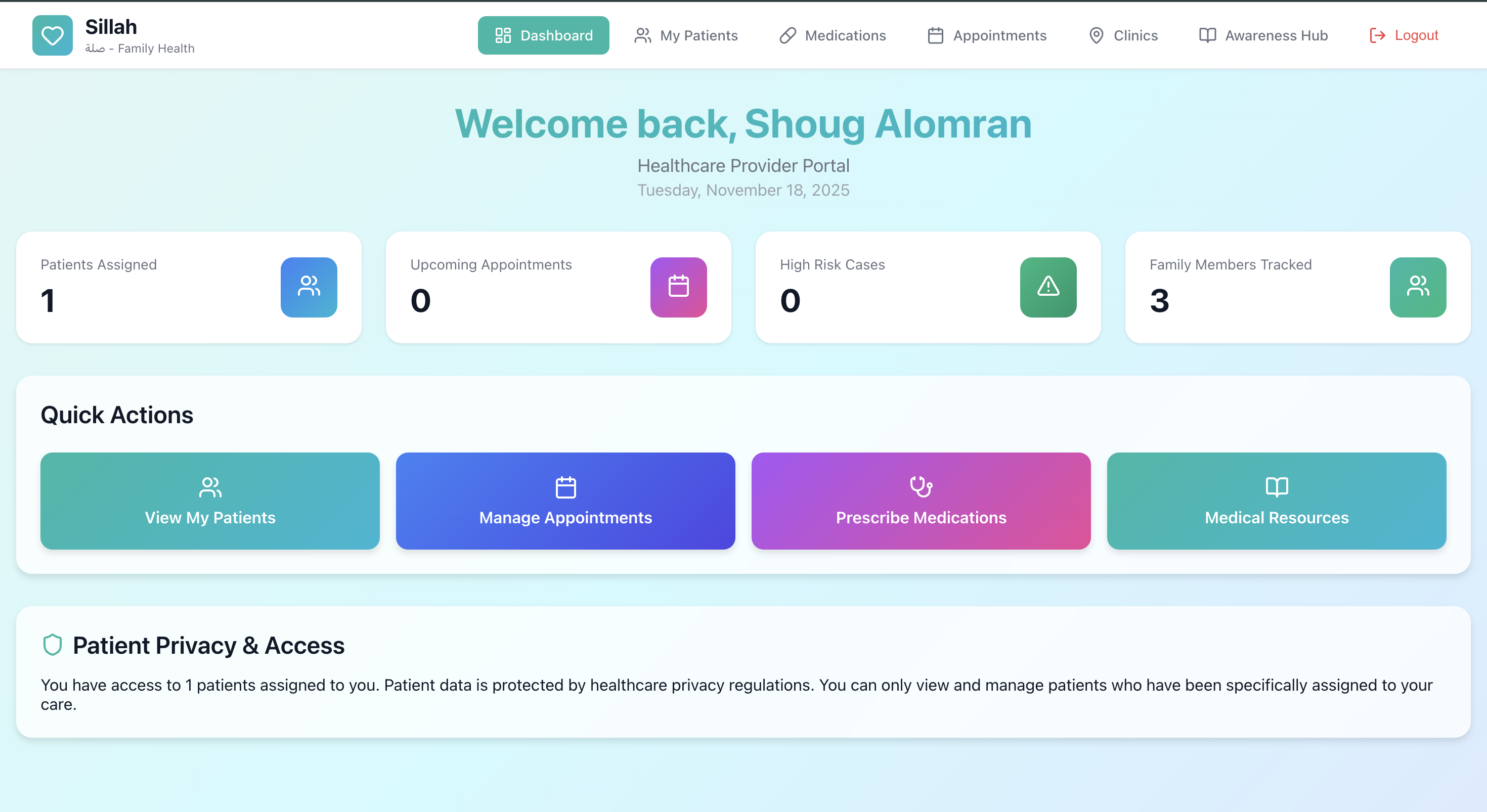 Figure 4.17: Healthcare Provider Dashboard
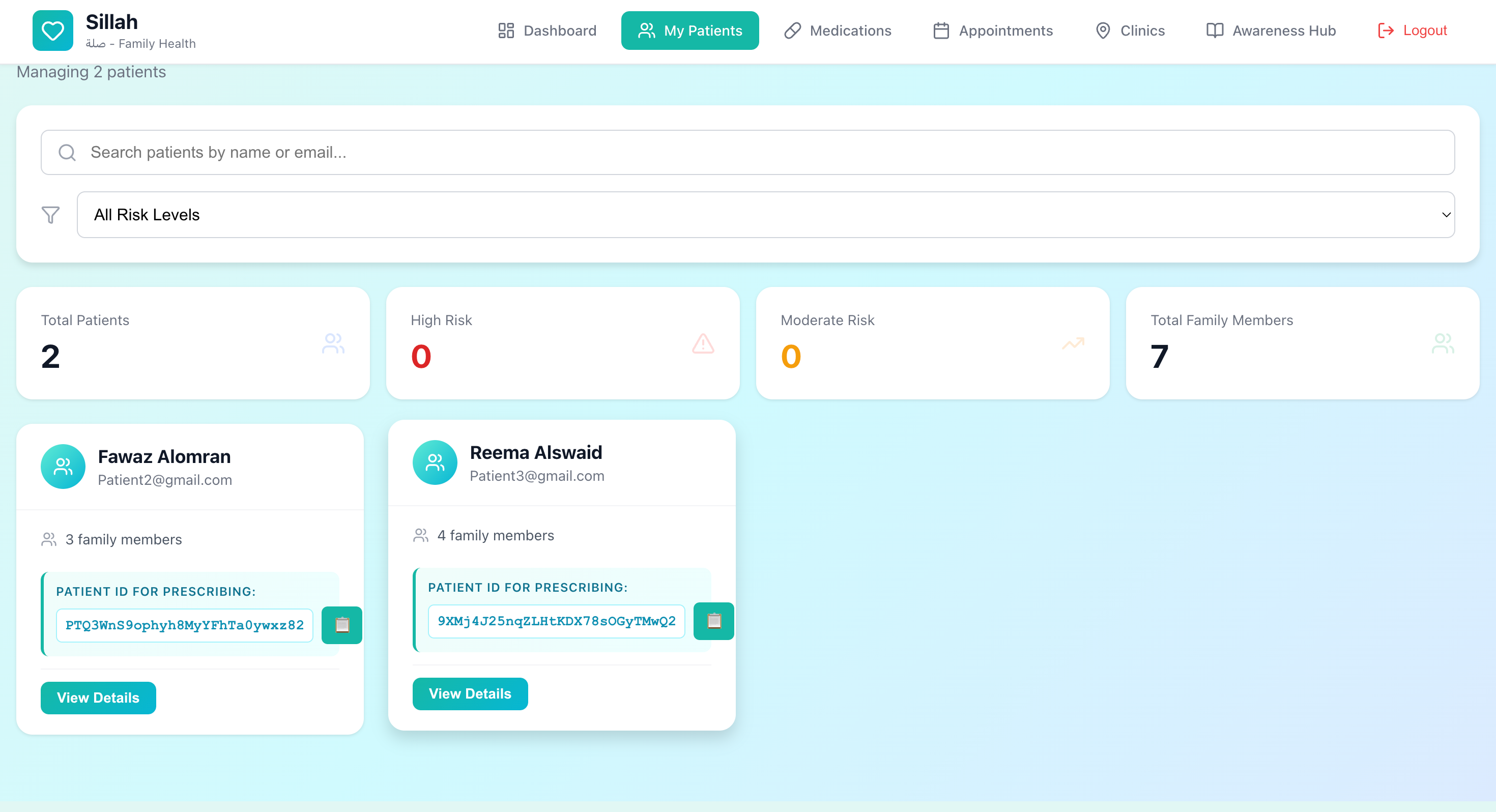 Figure 4.18: Patient Management Interface
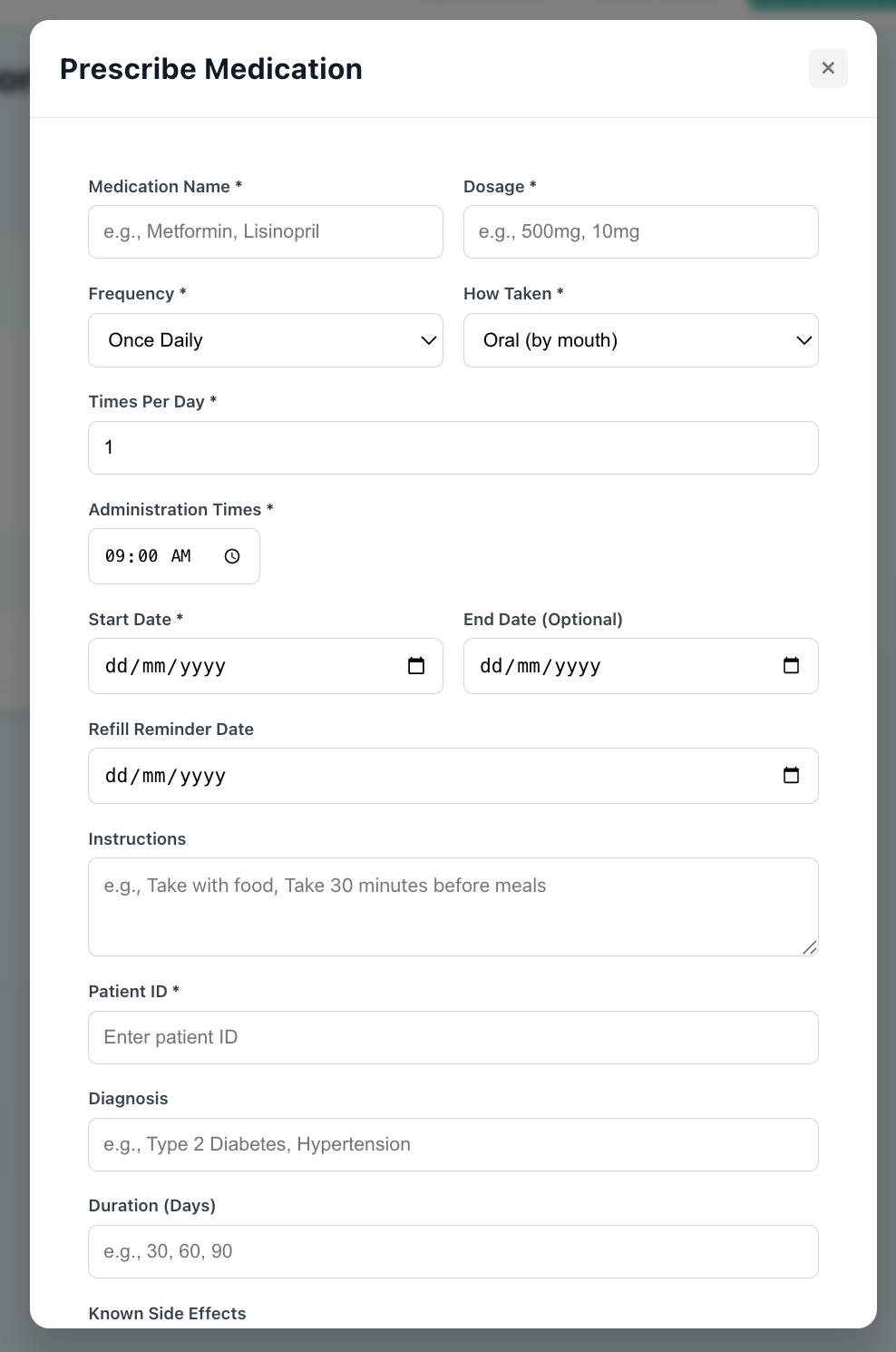 Figure 4.19: Medication Prescription Interface
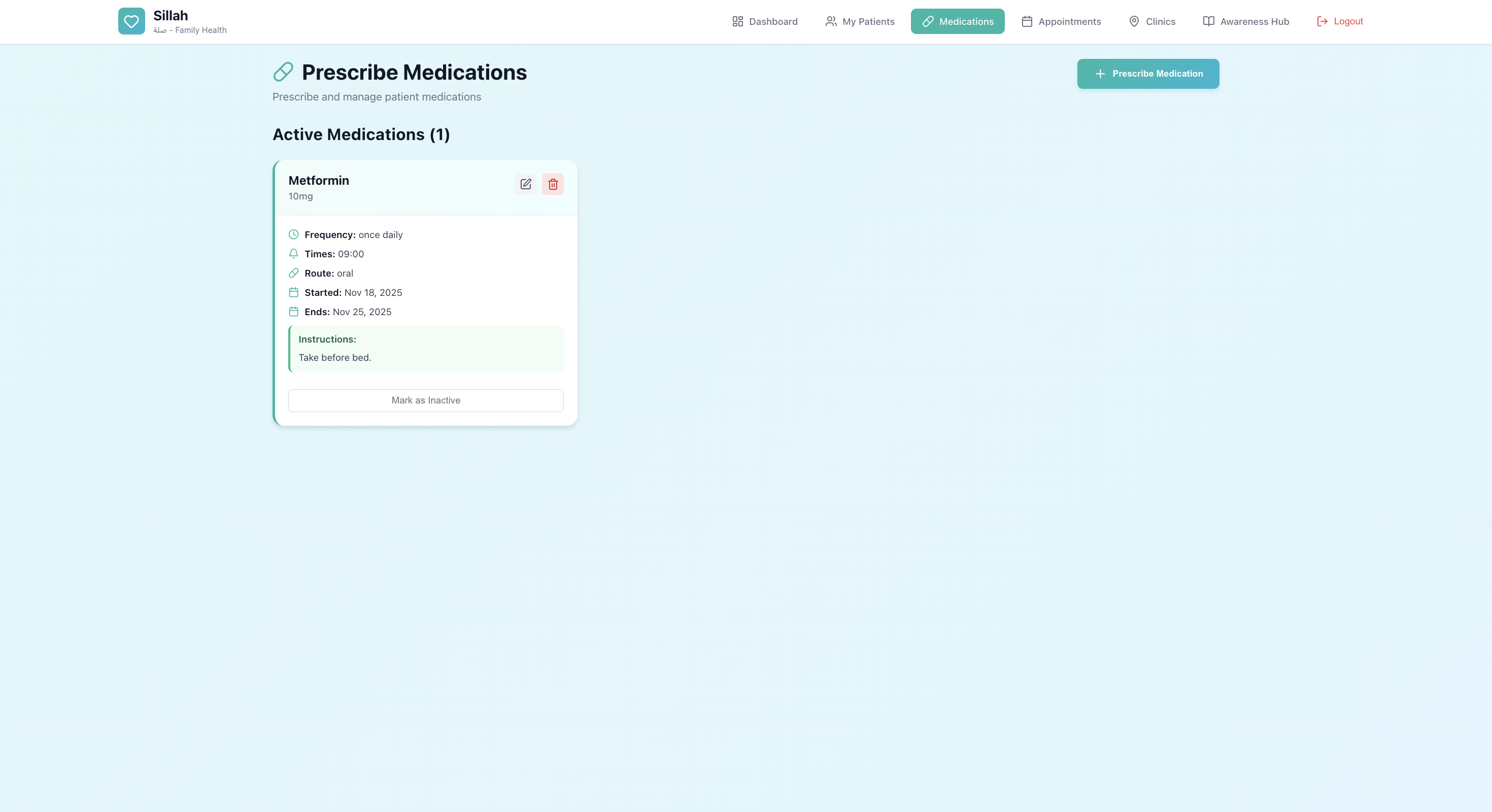 Figure 4.20: Active Medications Management
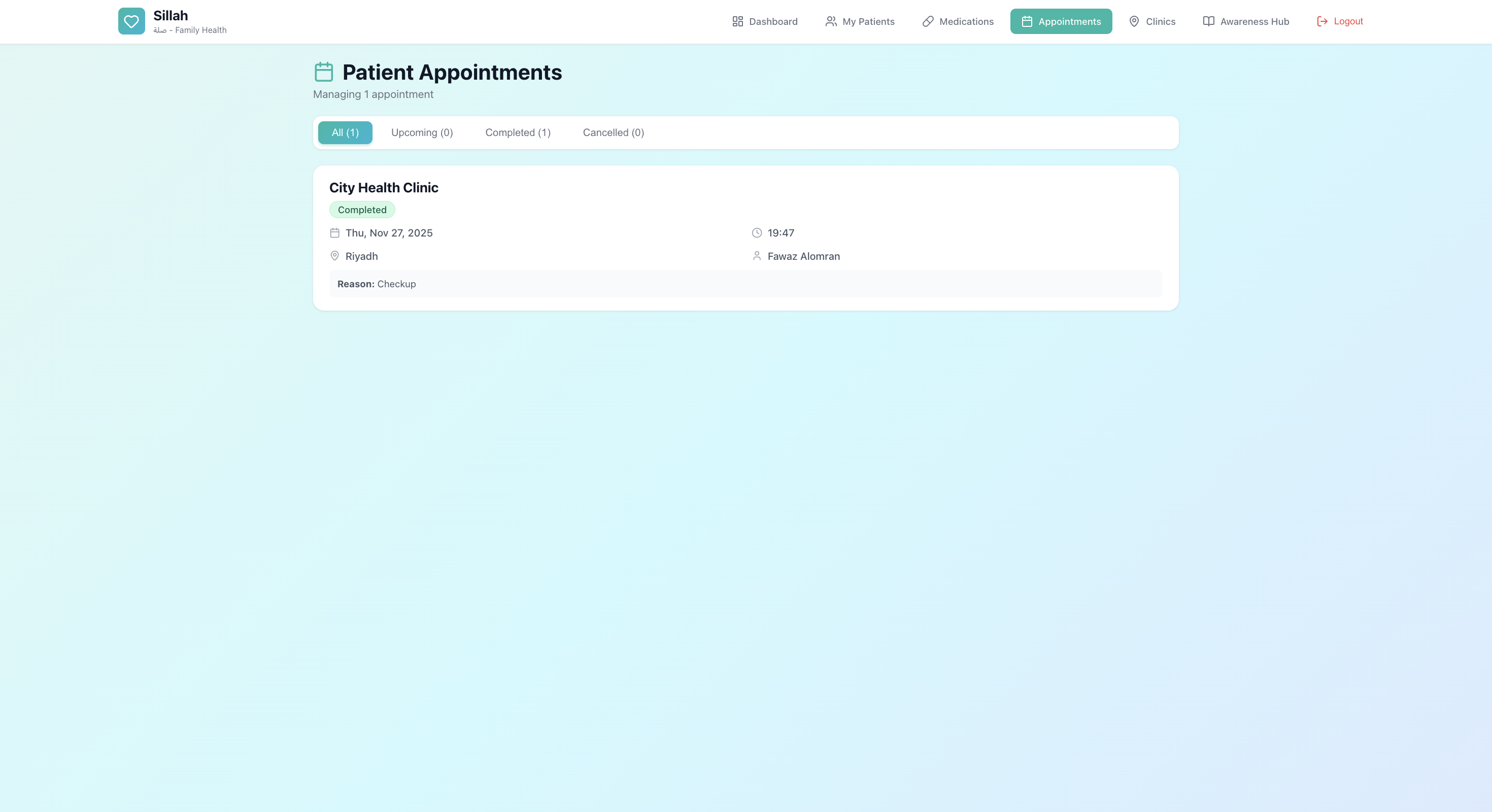 Figure 4.21: Healthcare Provider Appointments
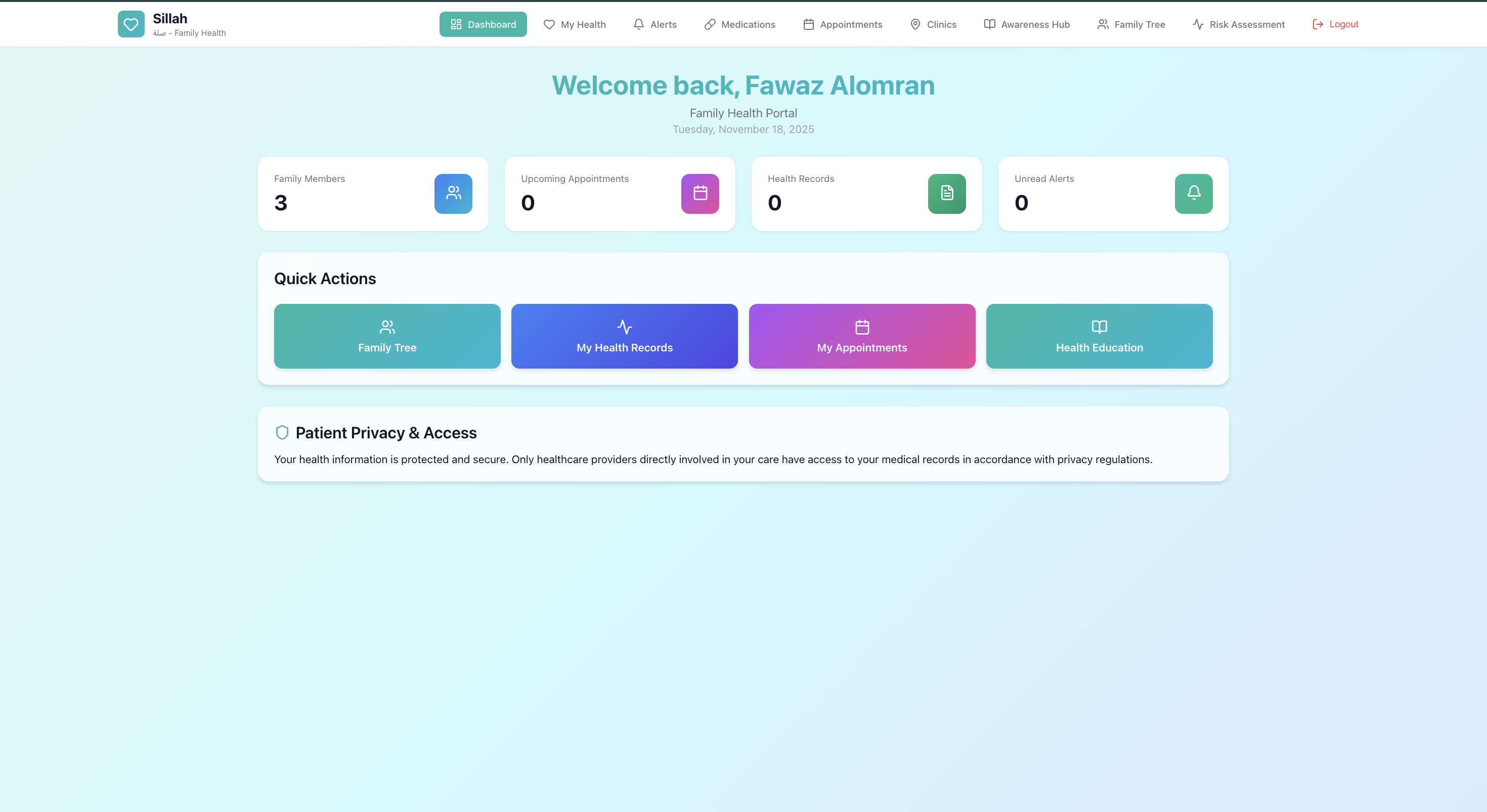 Figure 4.22: Patient Portal Dashboard
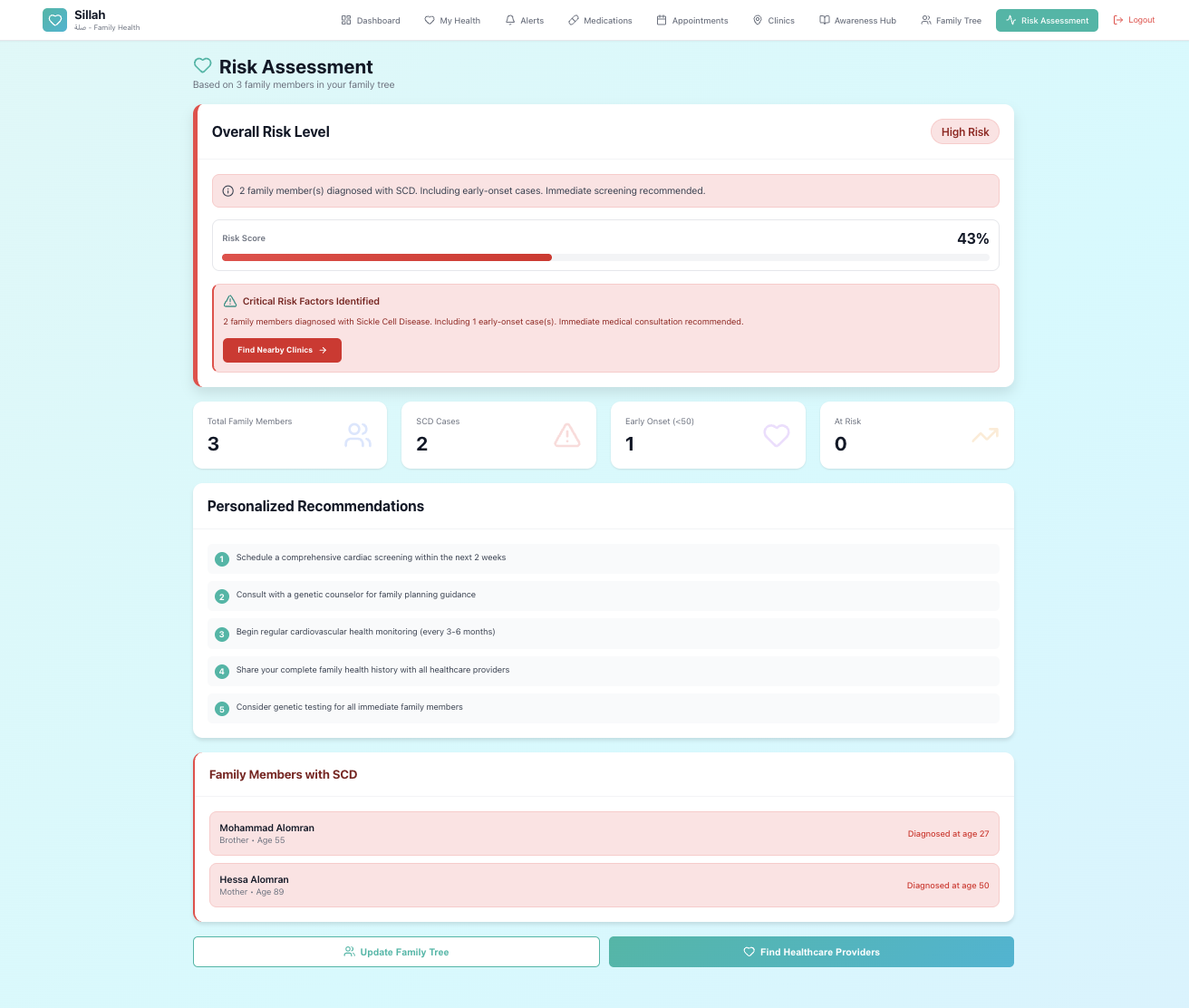 Figure 4.23: Comprehensive Risk Assessment
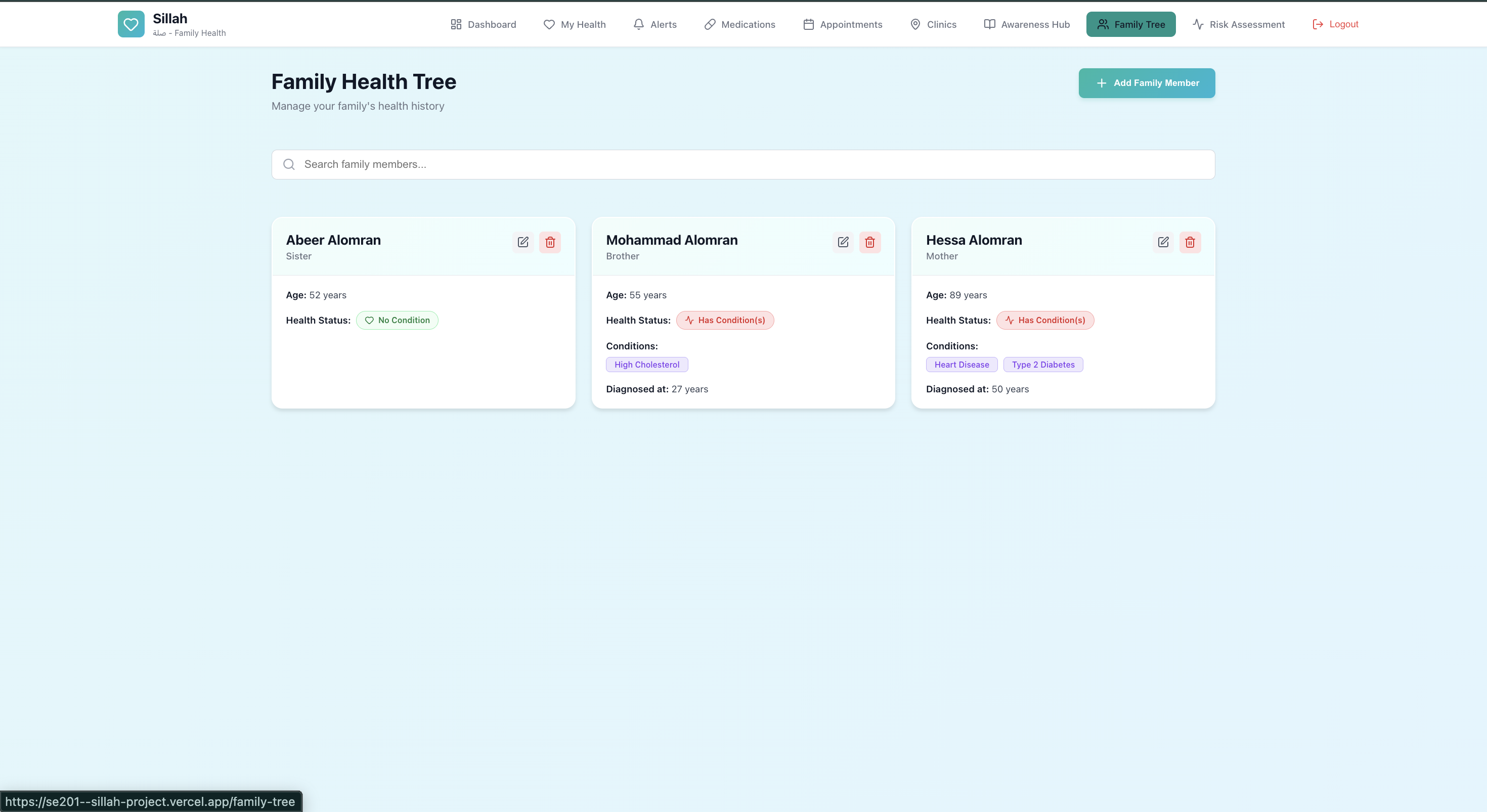 Figure 4.24: Family Health Tree Interface
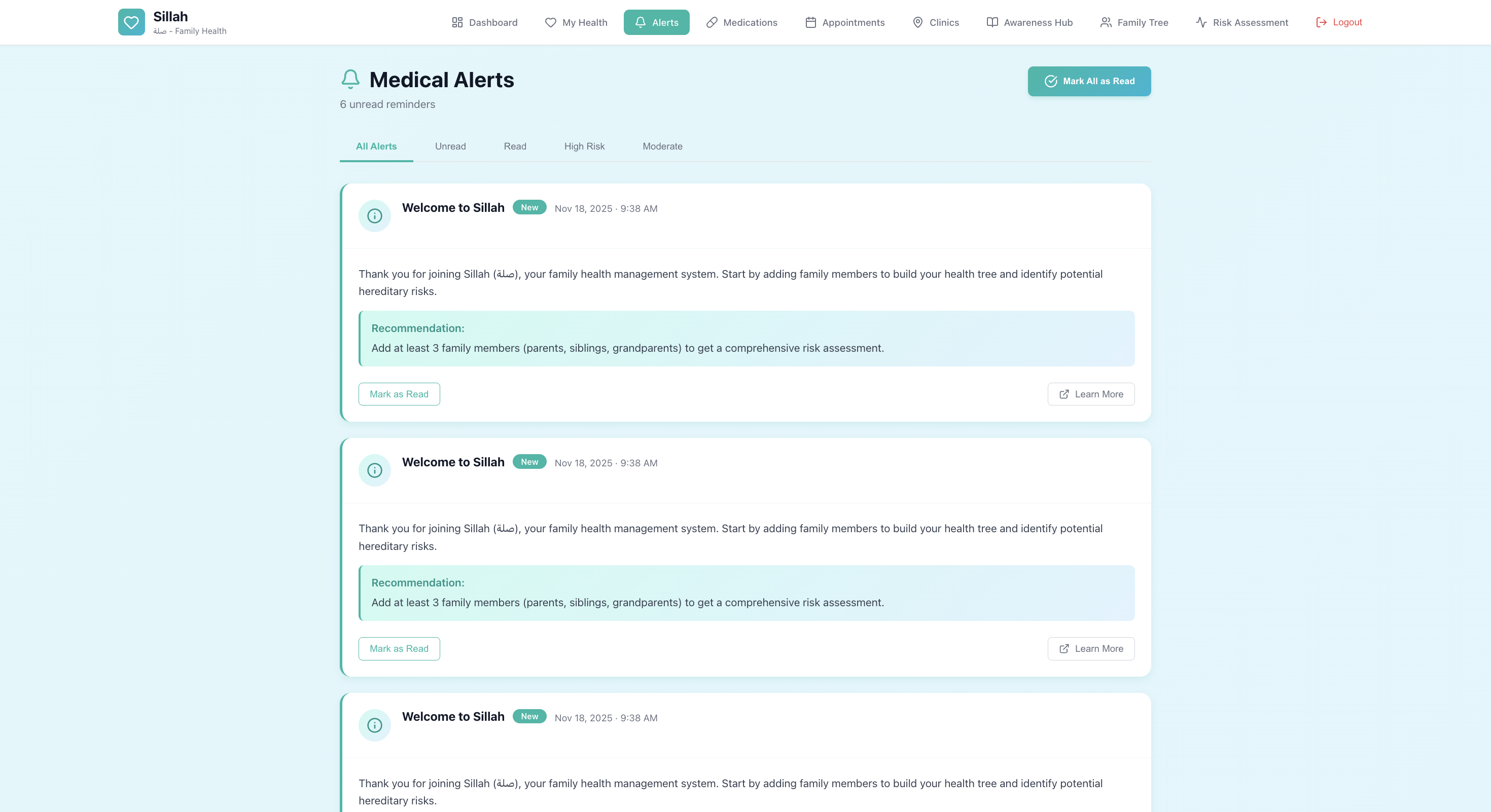 Figure 4.25: Medical Alert System
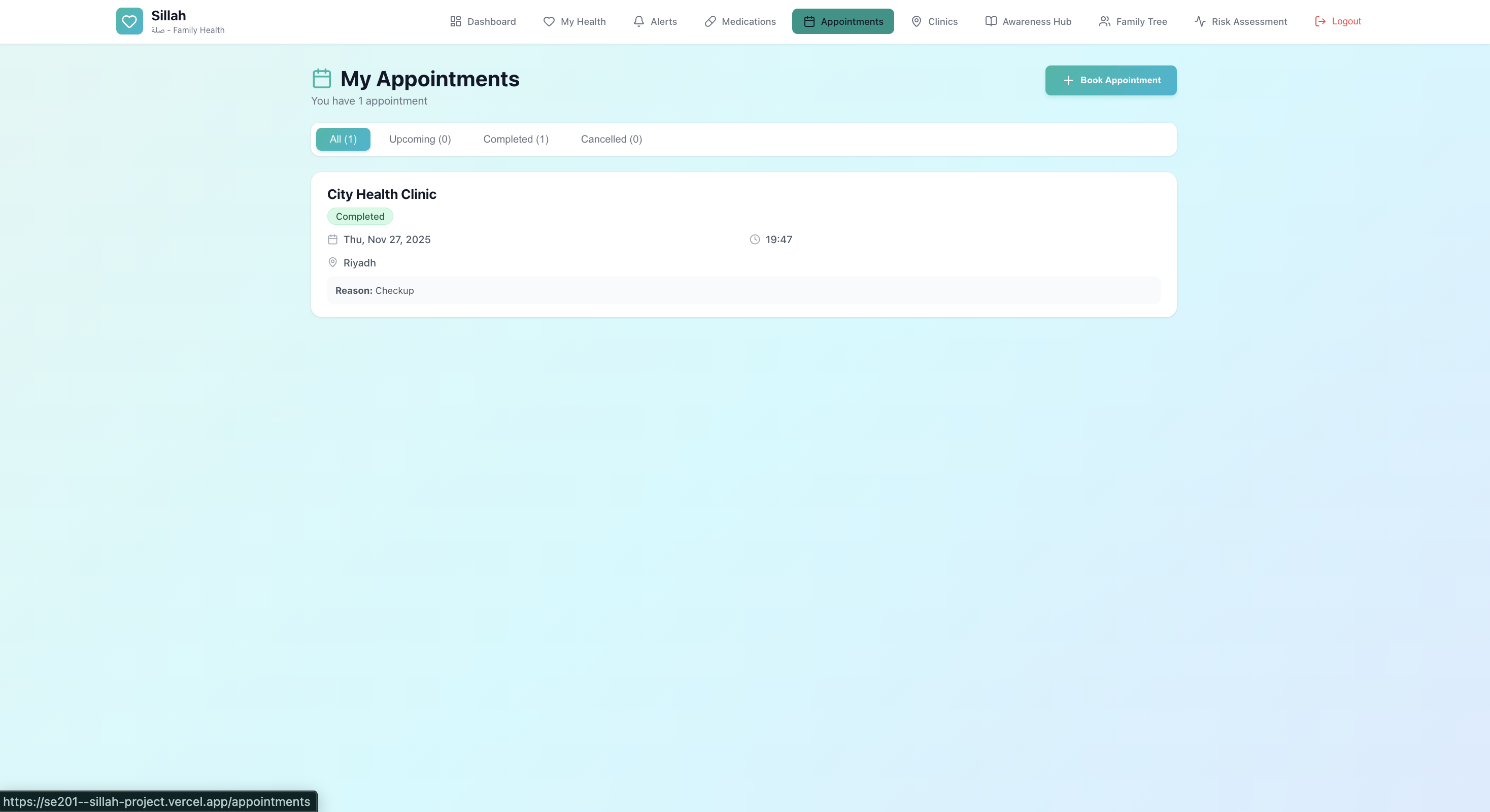 Figure 4.26: Patient Appointment Management
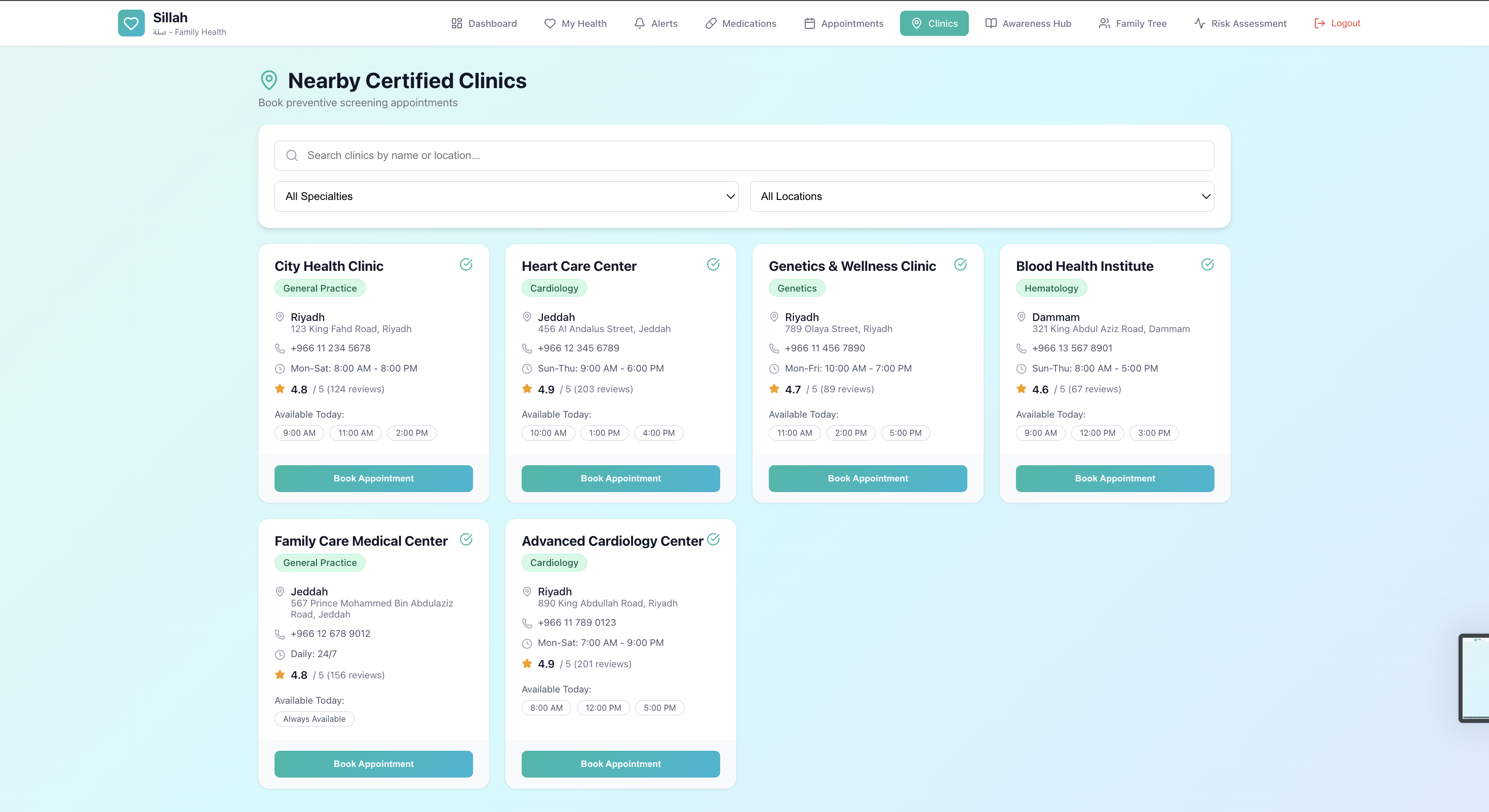 Figure 4.27: Nearby Clinics Finder
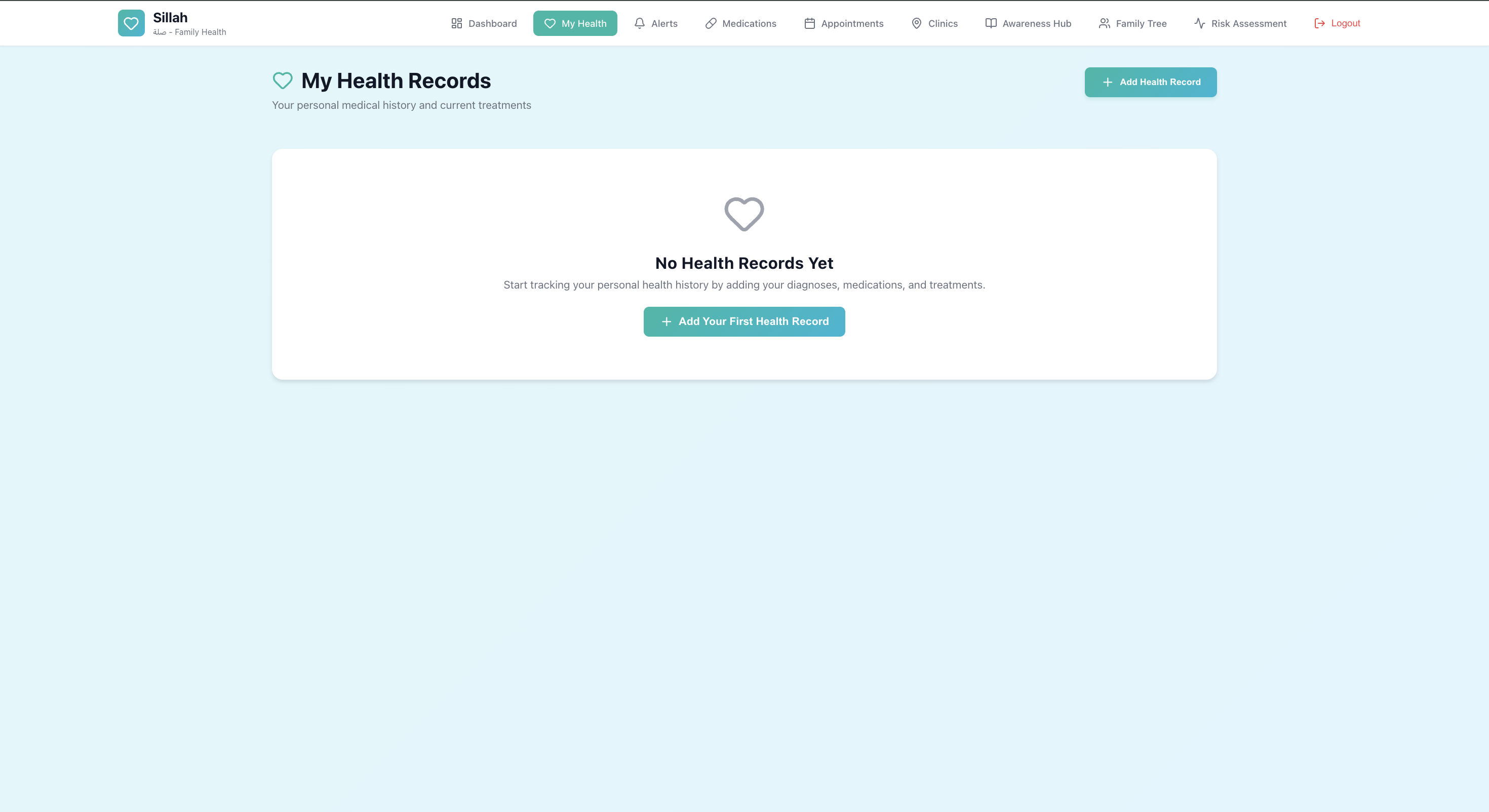 Figure 4.28: Health Records Interface
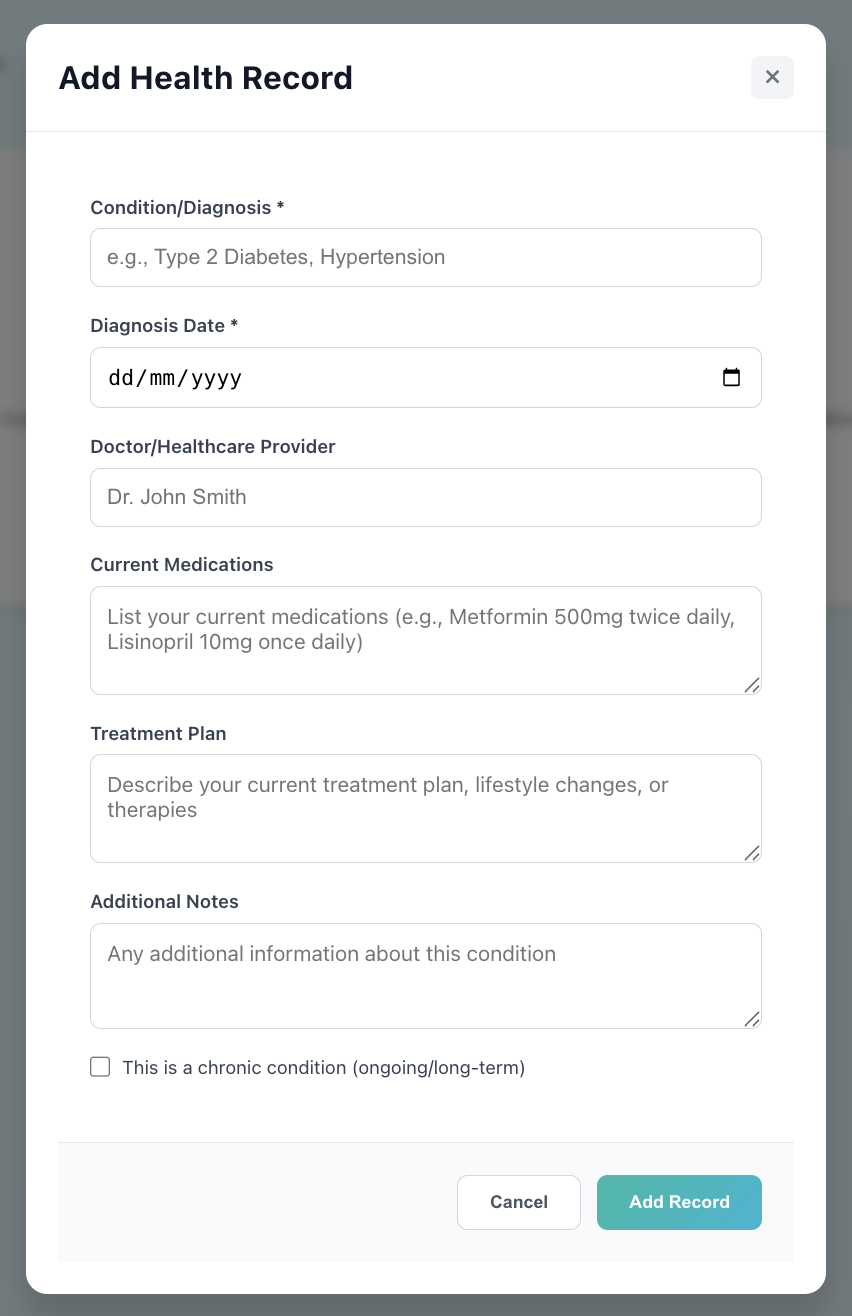 Figure 4.29: Add Health Record Form
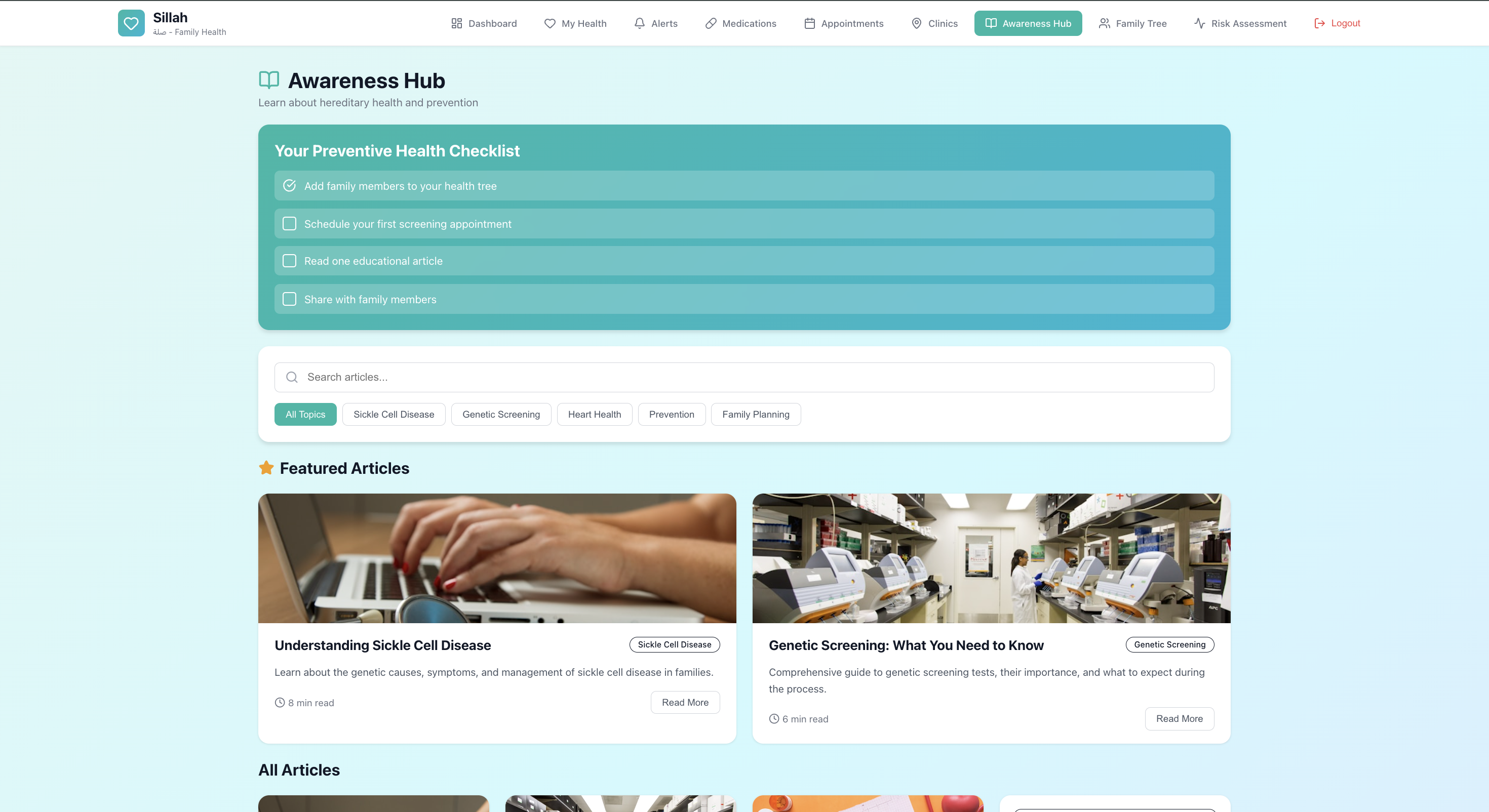 Figure 4.30: Awareness Hub Interface
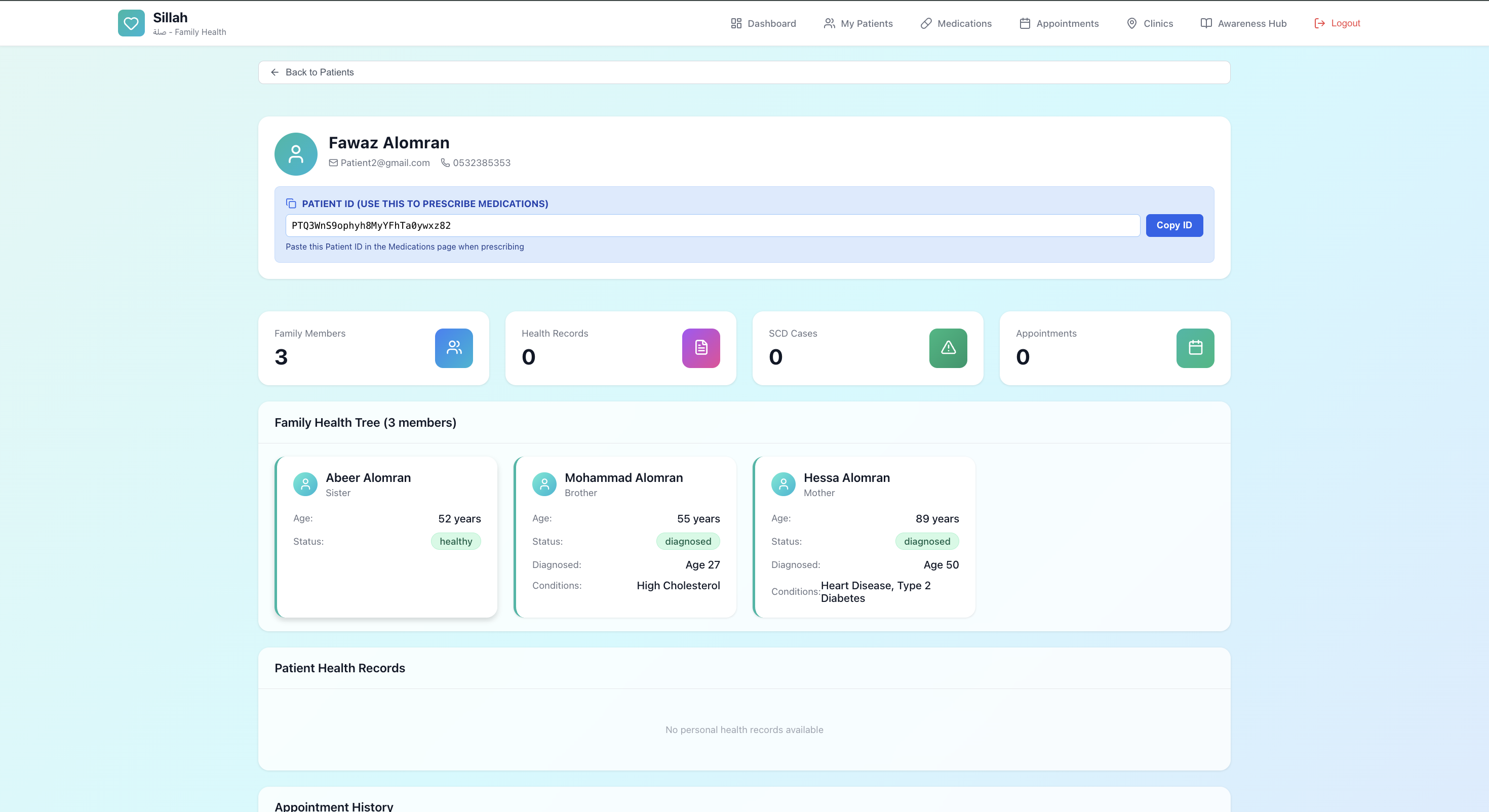 Figure 4.31: Family Health Overview
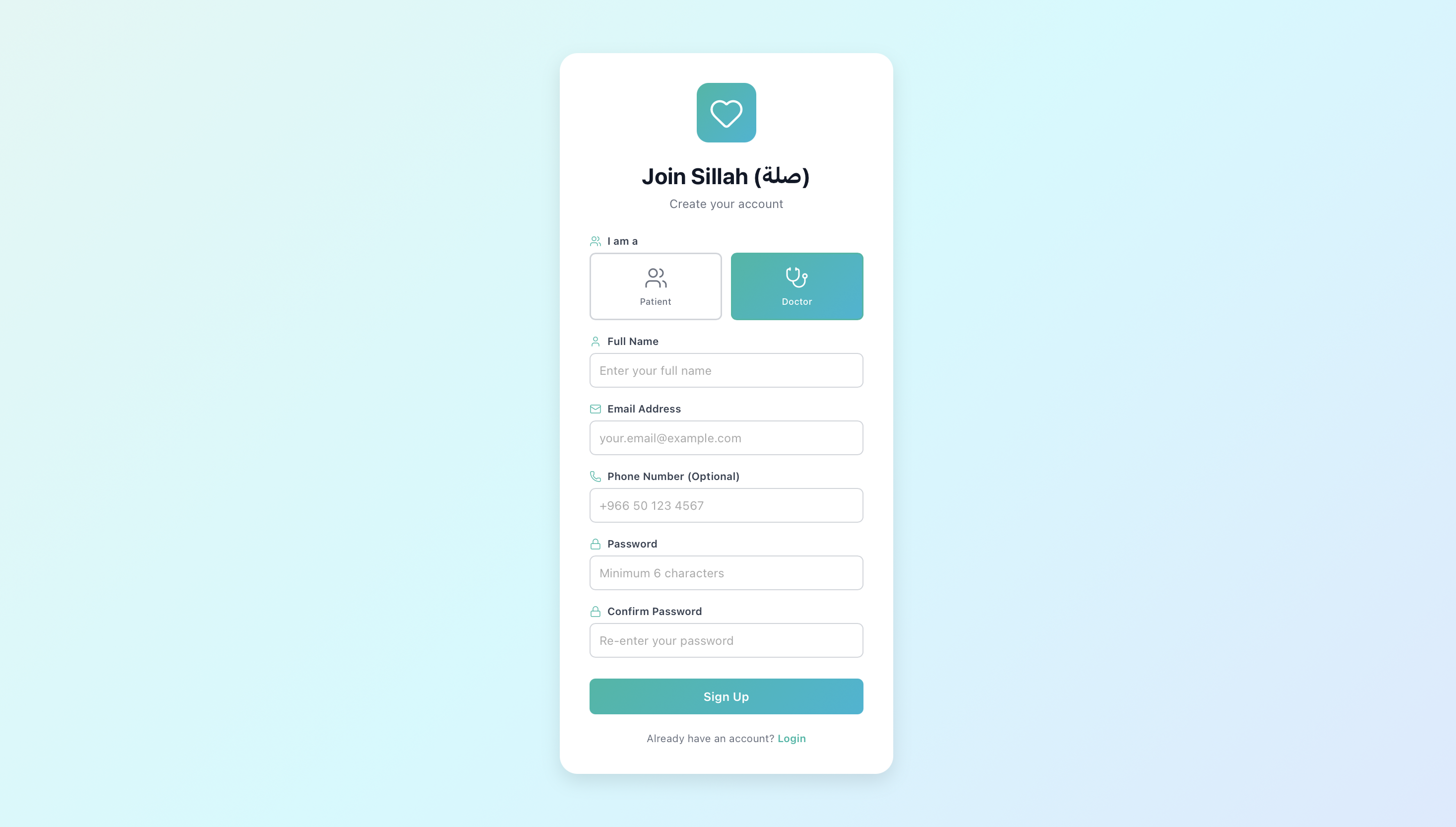 Figure 4.32: Healthcare Provider Registration
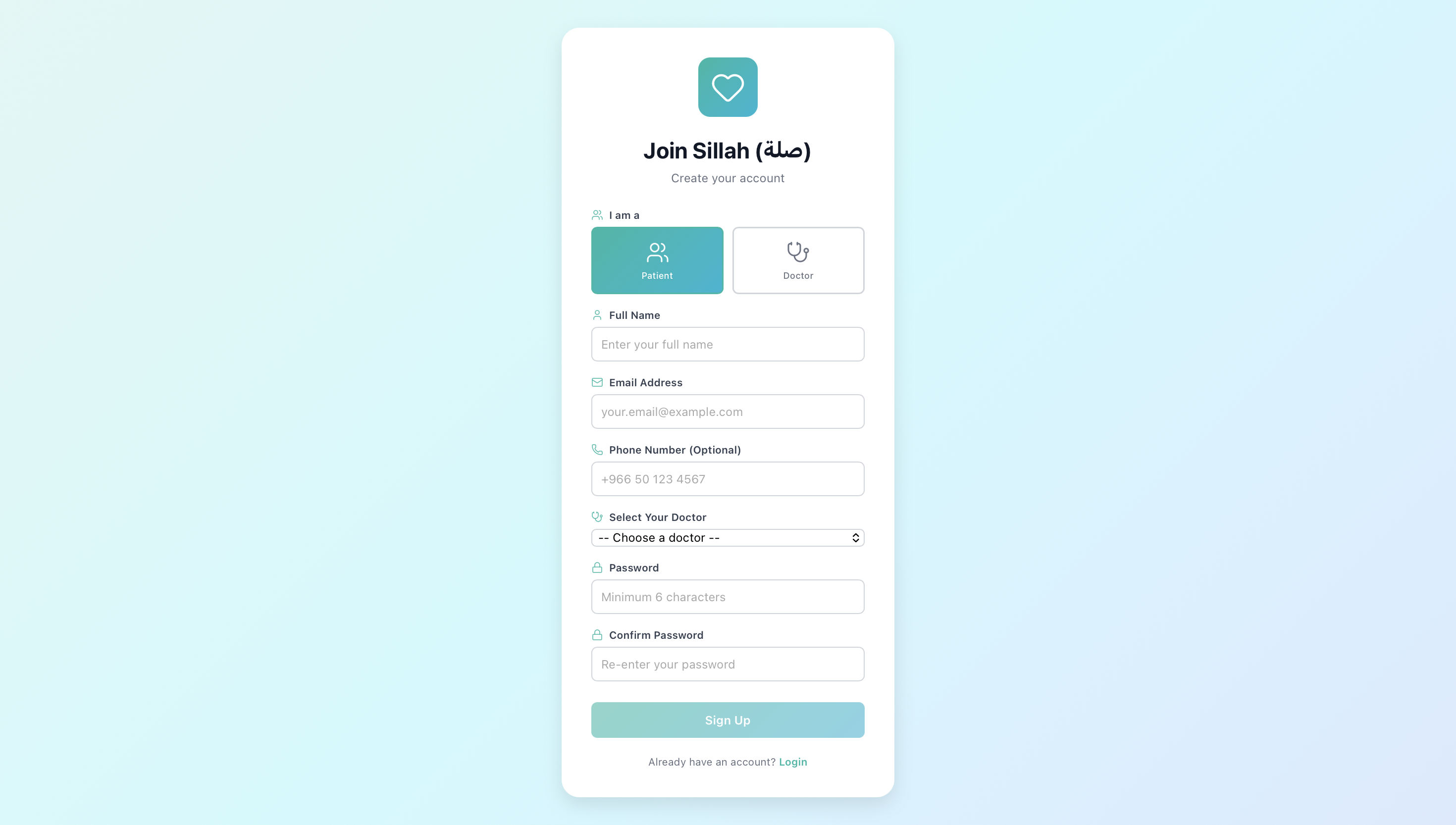 Figure 4.33: Patient Registration
4.4 System Screenshots
This section visually demonstrates the Sillah (صلة) Family Health Management System prototype.
All images are stored in docs/img/. Paths use angle brackets to handle spaces/punctuation.
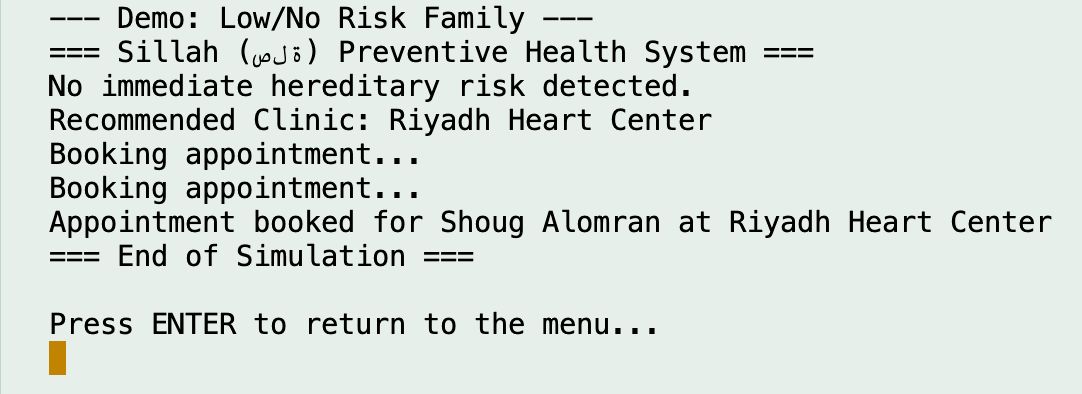 Figure 4.1 – Low/No Risk Family Simulation.
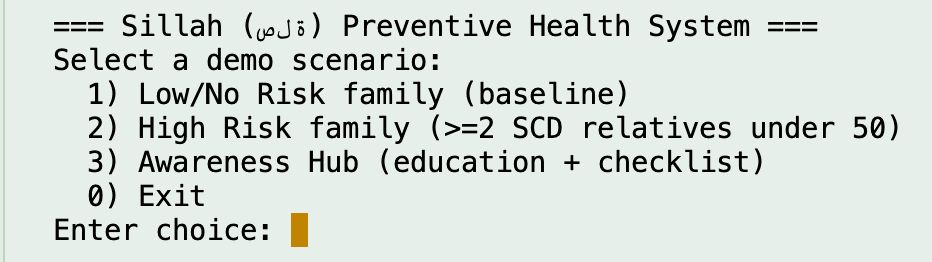 Figure 4.1 (Alt) – Main Menu Interface.
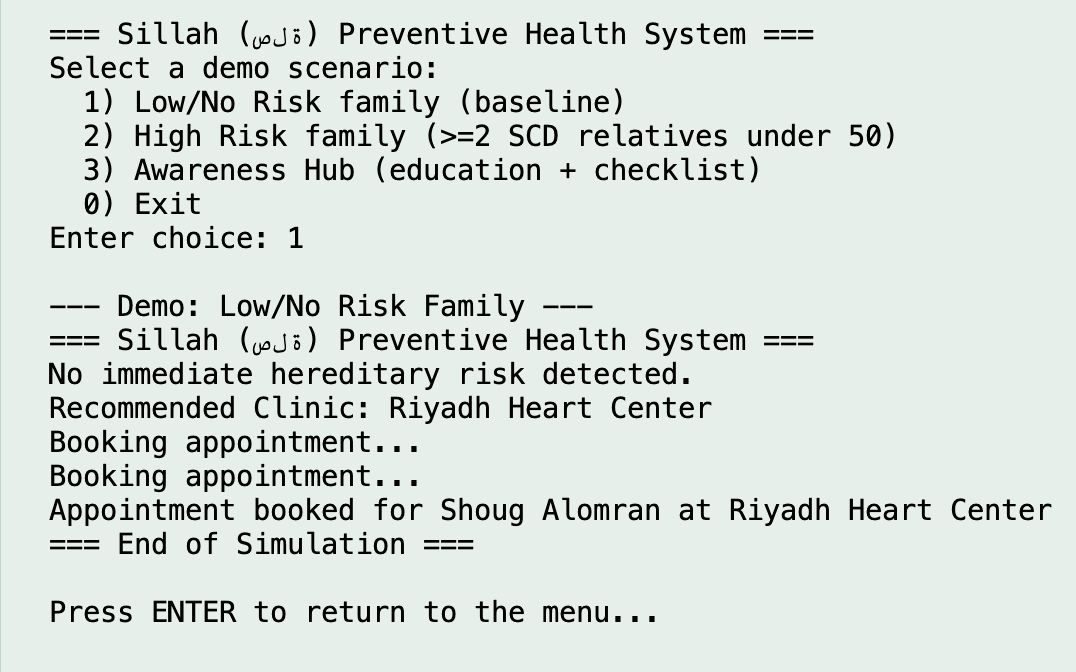 Figure 4.2 – Low Risk Demo Output.
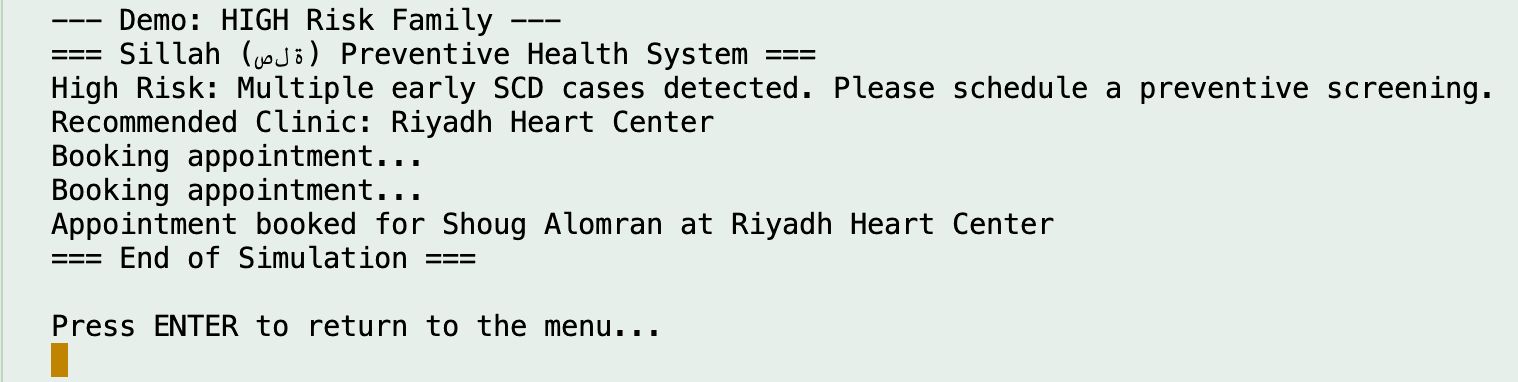 Figure 4.3 – High Risk Demo Output.
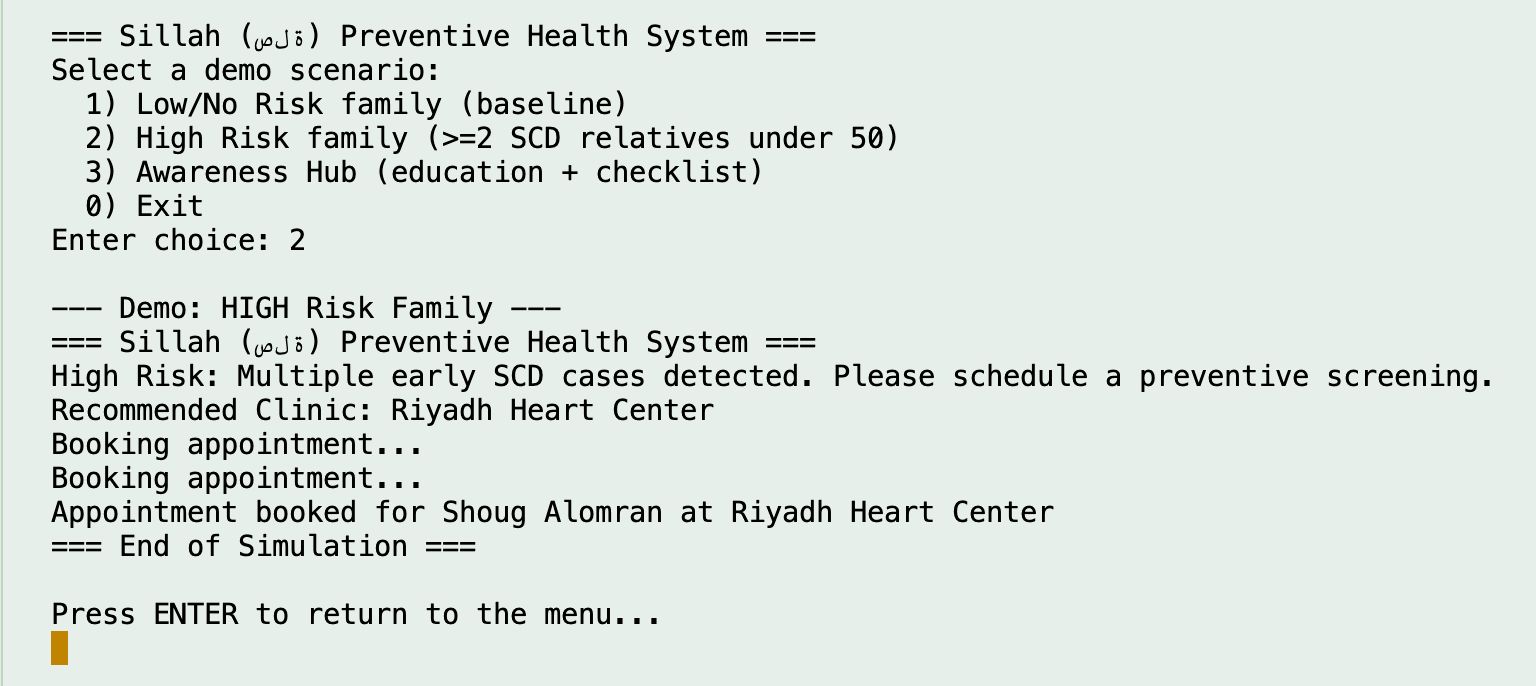 Figure 4.3 (Alt) – High-Risk Family Scenario Output.
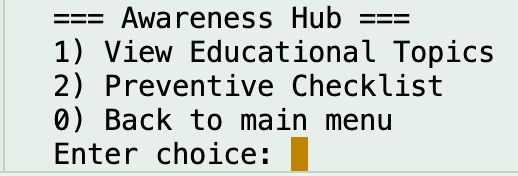
Figure 4.4 – Awareness Hub Main Menu.
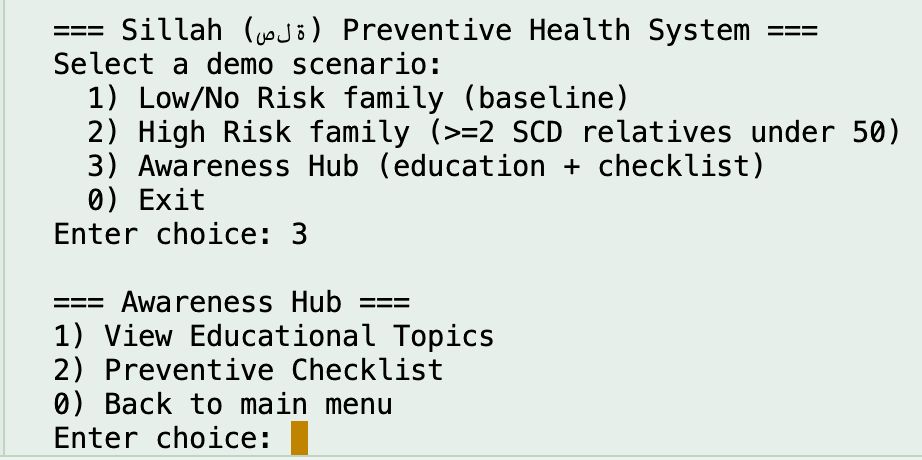 Figure 4.5 – Awareness Hub Selection Screen.
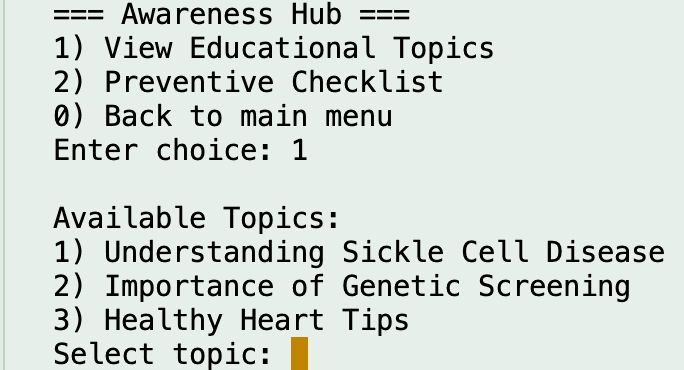 Figure 4.6 – Educational Topics Menu.
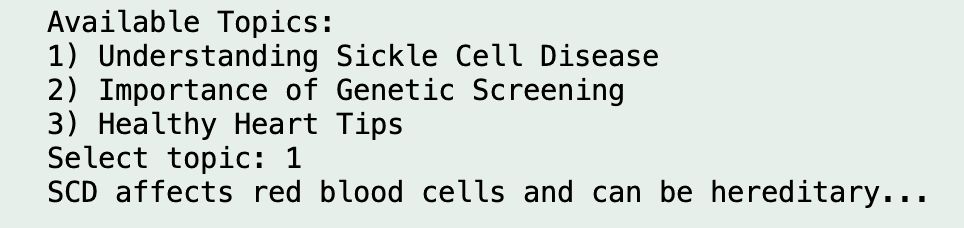 Figure 4.7 – Educational Topic – Sickle Cell Disease.
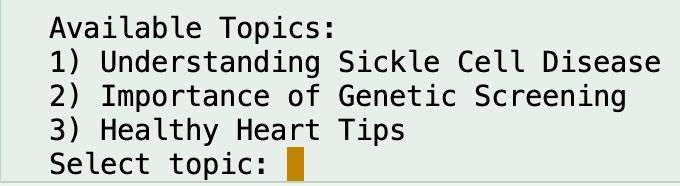 Figure 4.8 – Topic Selection Prompt.
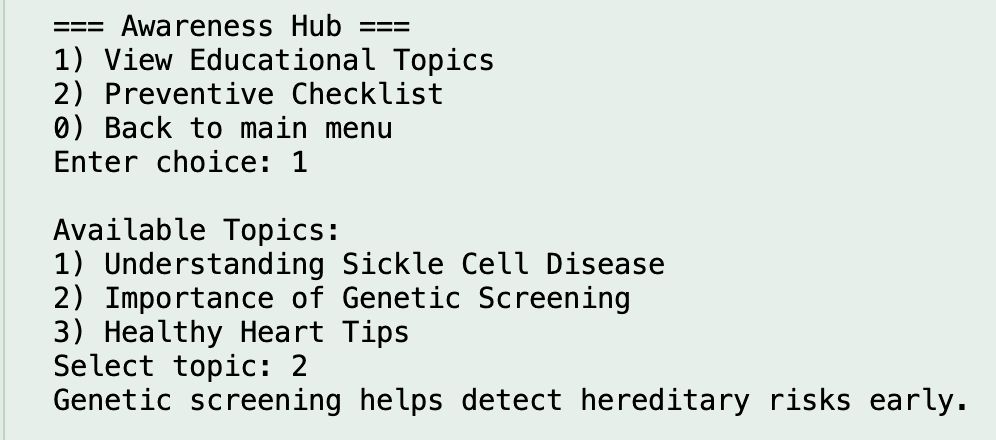 Figure 4.9 – Educational Topic – Genetic Screening.
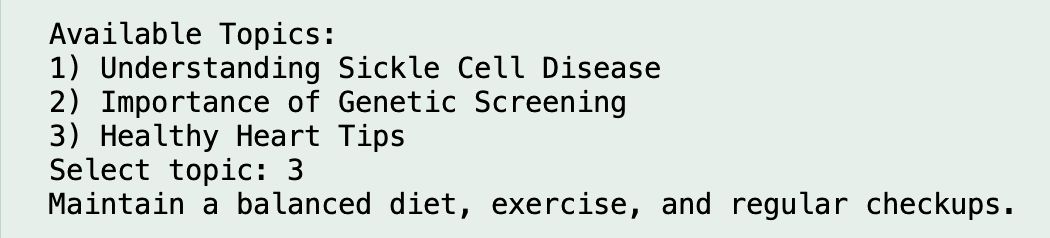 Figure 4.10 – Educational Topic – Healthy Heart Tips.
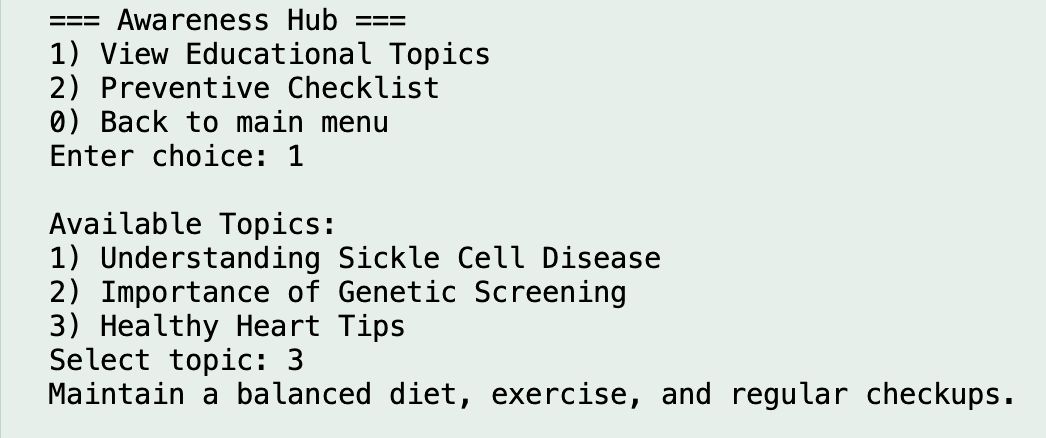 Figure 4.11 – Healthy Heart Tips Display.
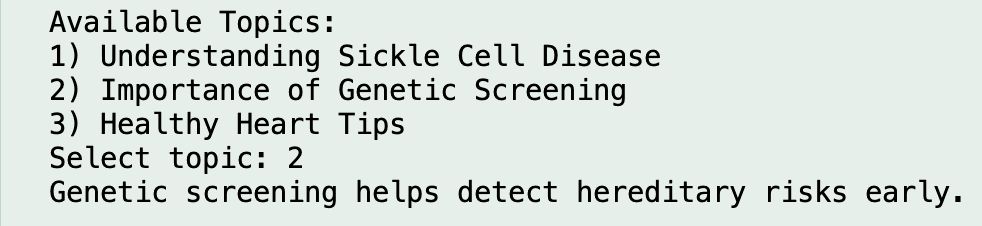 Figure 4.12 – Genetic Screening Output Screen.
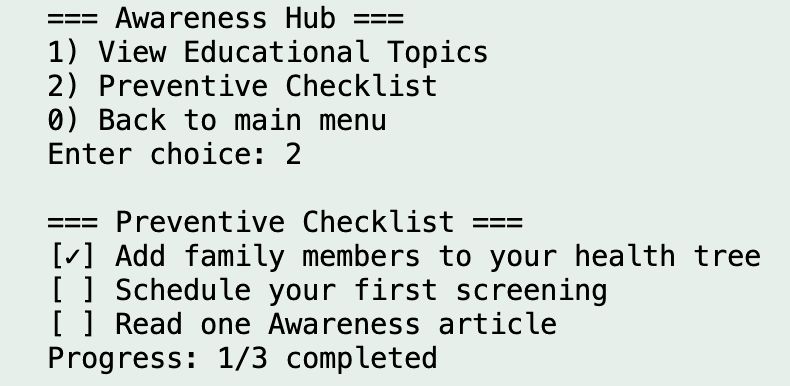 Figure 4.13 – Preventive Checklist Display.
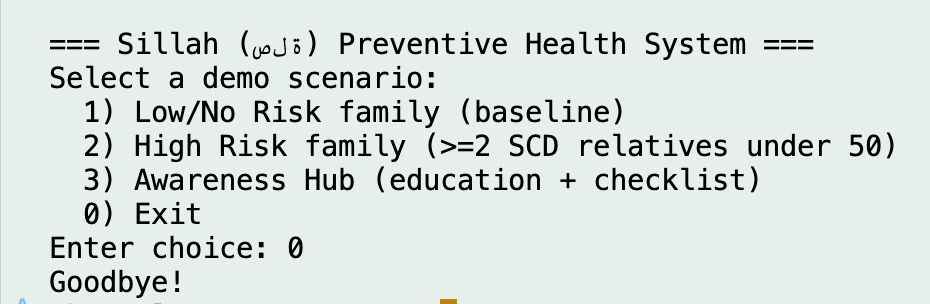 Figure 4.14 – Exit / End of Program Execution.
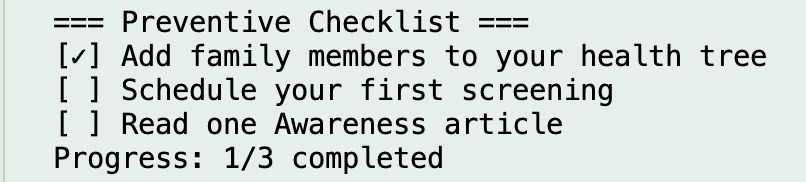 Figure 4.15 – Preventive Checklist Progress / Completion Status.